
Advanced Features
Menu Config and GUI Config
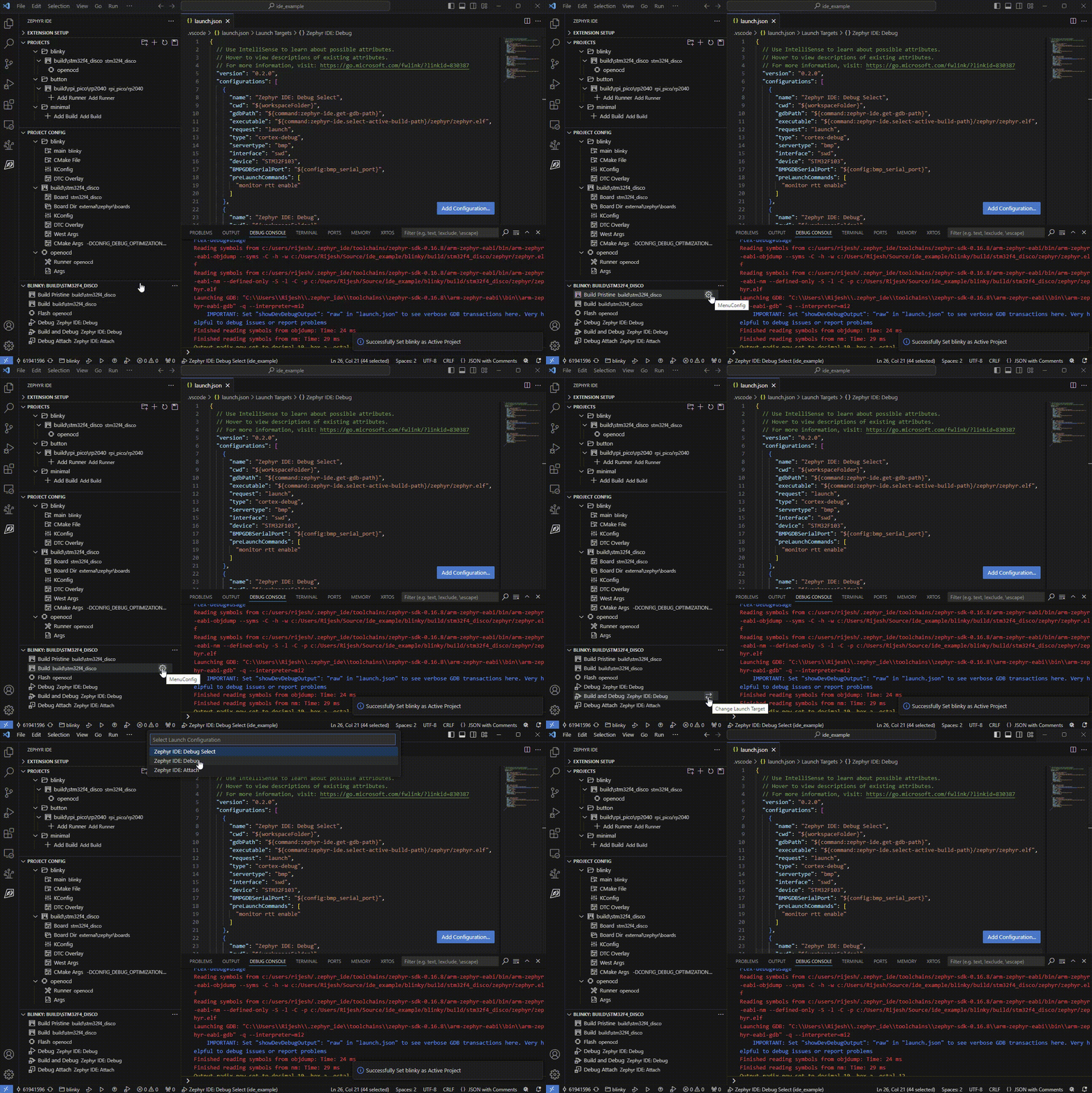
The Zephyr Menu Config or GUI Config may be run from the active project panel. In the project config panel, by default, a Menu Config option is available. This can be changed to GUI Config by adding "zephyr-ide.use_gui_config": true to settings.json.
Each debug target may be bound to a custom launch configuration (by default they use “Zephyr IDE: Debug” and “Zephyr IDE: Attach”).
Build Customization
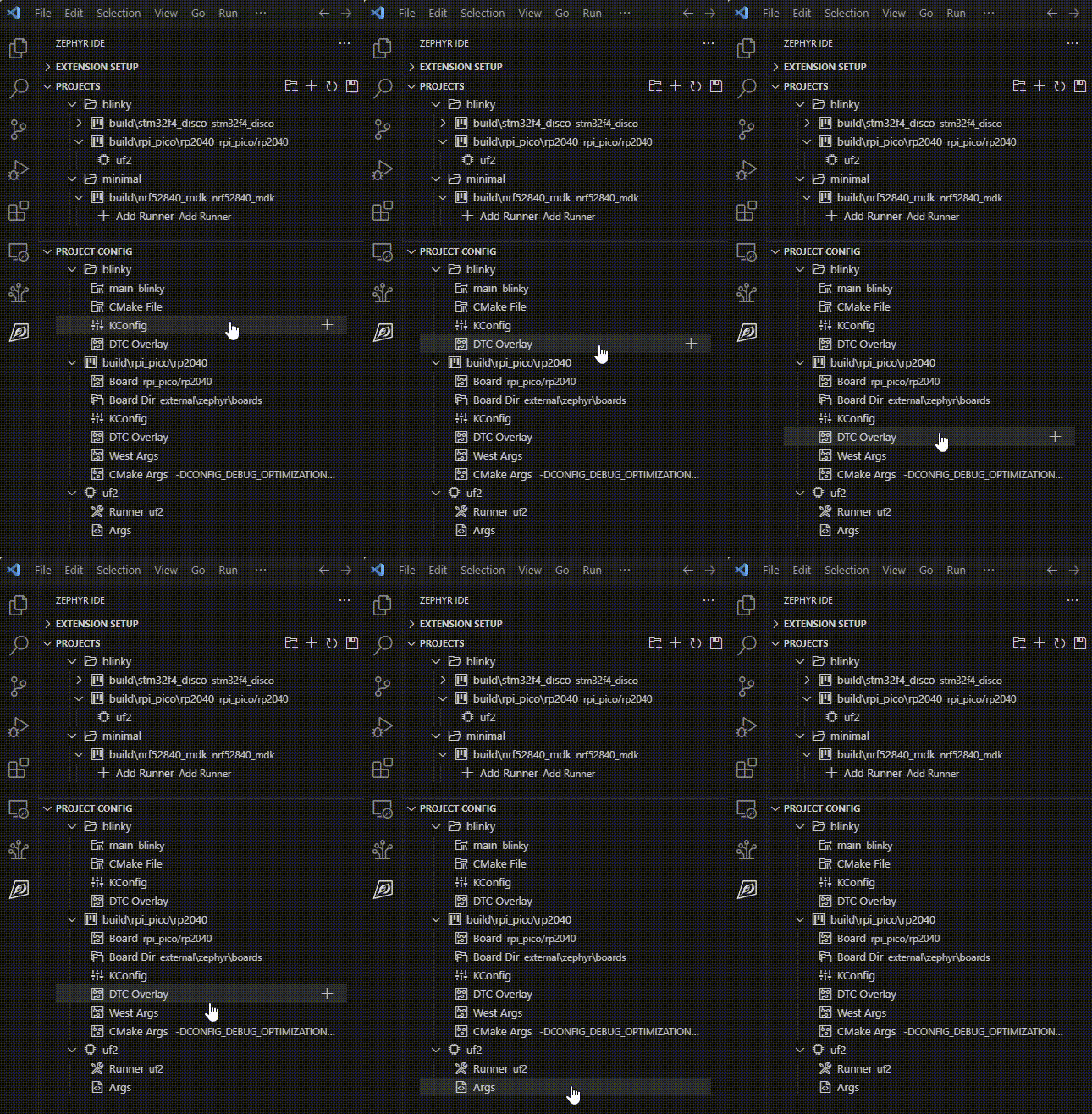
The IDE allows modifying the west and cmake arguments per build. It allows the user to provide runner arguments, and specify DTS overlay and KConfig files per project or build.
West Terminal
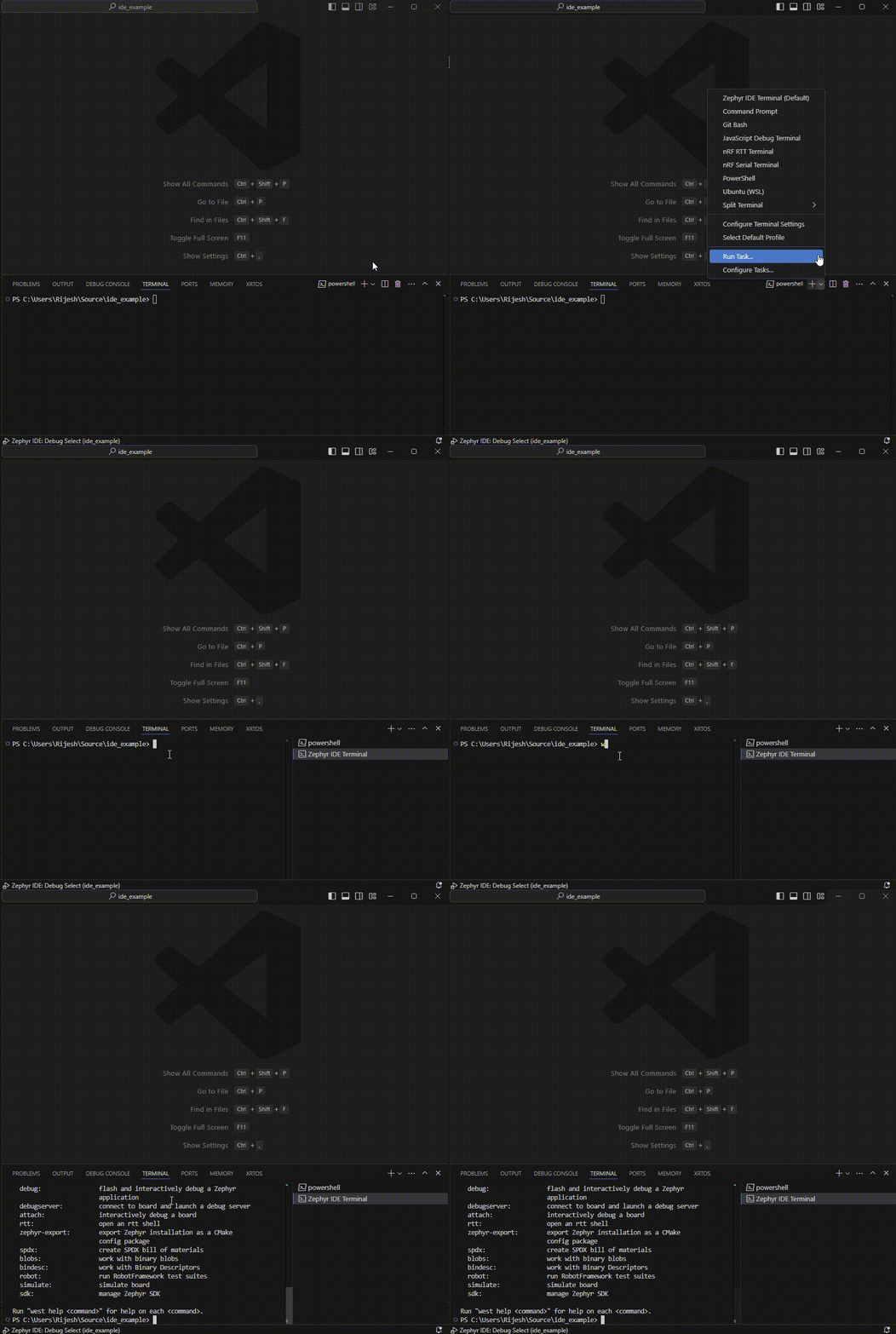
Custom west commands may be run using the inbuilt Zephyr IDE Terminal.
Analysis Tools
You can also run the following commands:
- ROM Report -
Zephyr IDE: Run ROM Report - RAM Report -
Zephyr IDE: Run RAM Report - DTSh Shell -
Zephyr IDE: Start DTSh Shell
These tools help you analyze your build and optimize resource usage.