
Host Tools
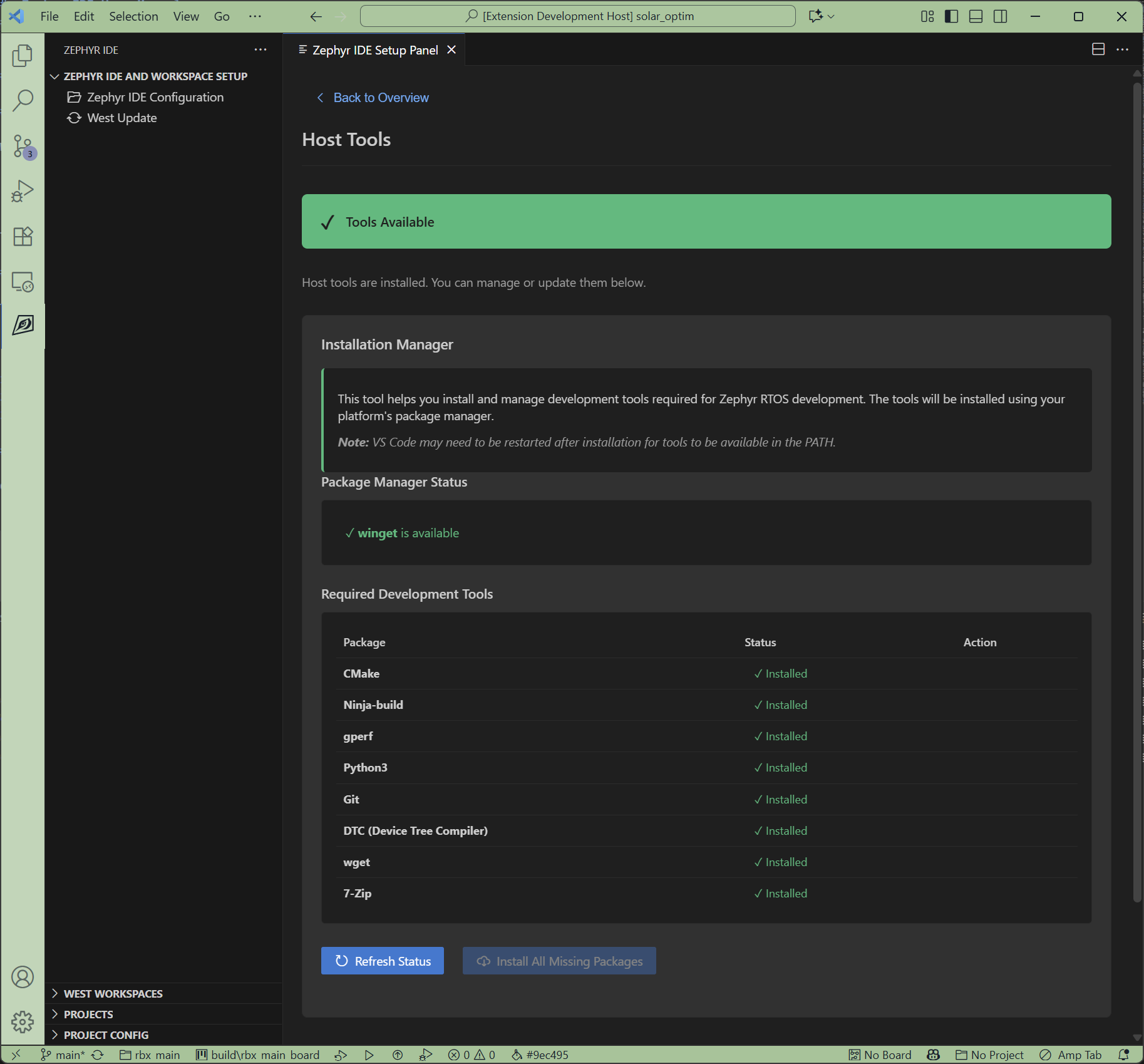
Click the Host Tools card to access the Host Tools sub-page. This page helps you install and verify the build dependencies required for Zephyr development.
Checking Installed Tools
The extension verifies that required build dependencies are available on your PATH, including:
- CMake - Build system
- Python3 - Scripting and tools
- Devicetree Compiler (DTC) - Device tree compilation
- gcc - Compiler
Automated Installation
On supported platforms, the extension can automatically install missing dependencies using your system’s package manager.
To install missing tools:
- Click the Host Tools card in the Setup Panel
- Review the list of detected and missing tools
- Click Install Host Tools button
- The extension will use your system’s package manager to install missing tools
Manual Installation
For unsupported platforms or if you prefer manual installation, follow the Zephyr Getting Started Guide to install the required dependencies.
Supported Platforms
Automated installation is supported on:
- Ubuntu/Debian - Uses apt package manager
- macOS - Uses Homebrew
- Windows - Uses Chocolatey or manual downloads
Next Steps
After installing host tools: