
SDK Installation
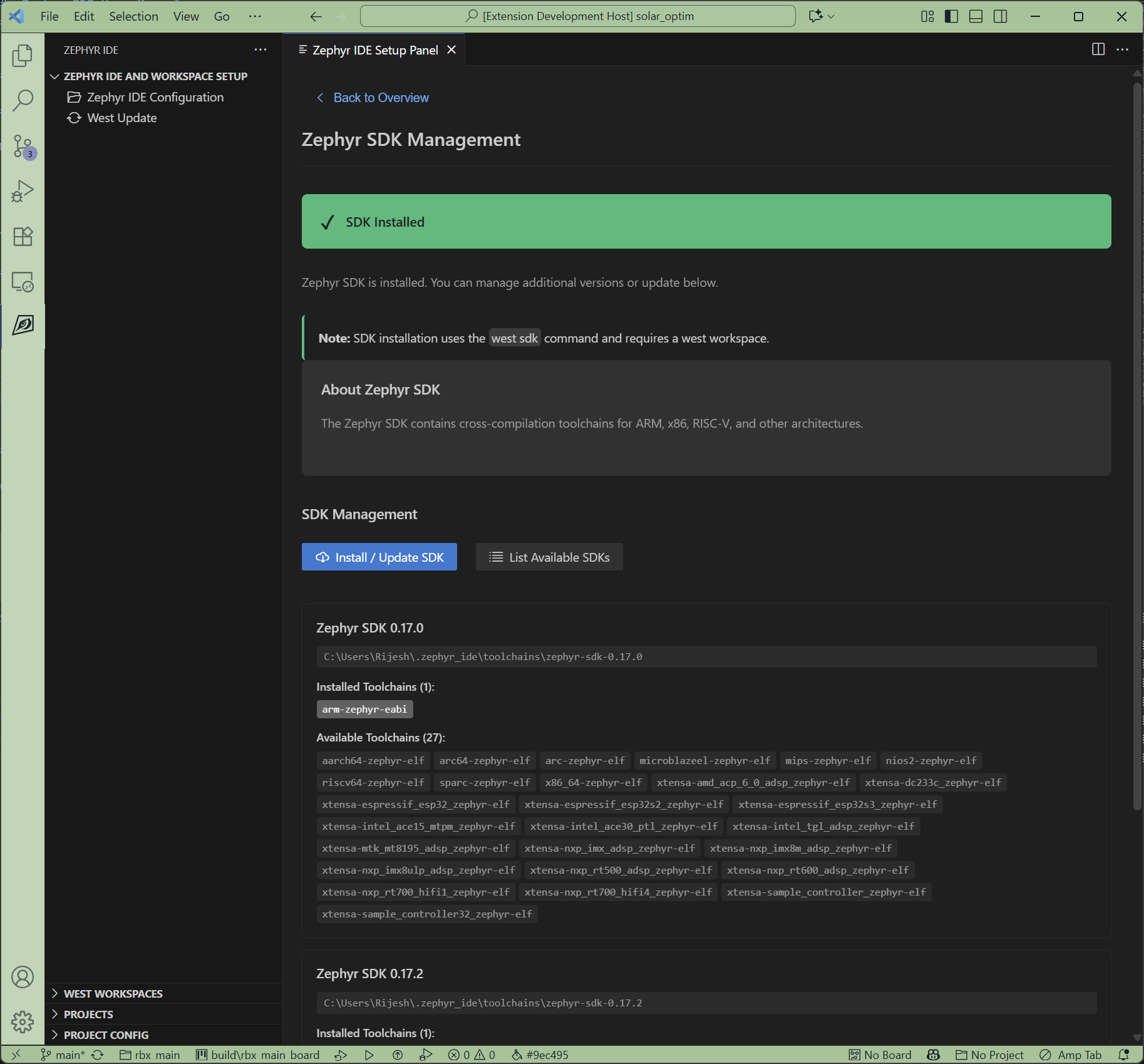
Click the Zephyr SDK Management card to access SDK installation. The SDK provides cross-compilation toolchains for various architectures (ARM, x86, RISC-V, etc.).
SDK Management
The extension uses West’s SDK integration for version management:
- Select which SDK versions to install
- Install multiple SDKs for different architectures
- Manage SDK updates through the extension
Installation
For new users:
- Click the Zephyr SDK Management card
- Select the latest SDK version
- Choose architectures to install (or select all for convenience)
- Click Install SDK
You can add specific architectures later if storage is a concern.
Important Notes
- SDK installation is a one-time process per computer
- SDKs can be shared across multiple projects
- SDK installation uses the west SDK command
- A west workspace must be configured before SDK management can occur
Next Steps
After installing the SDK, you’re ready to: